Apple Watch. A great call for kids.A great call for kids.
Set up any Apple Watch with mobile connectivity for your kids, even if they don’t have their own iPhone.1 Easy to call and text. Know where they are. Great ways to keep them active. It’s independence for them. And peace of mind for you.
Apple Watch For Your Kids
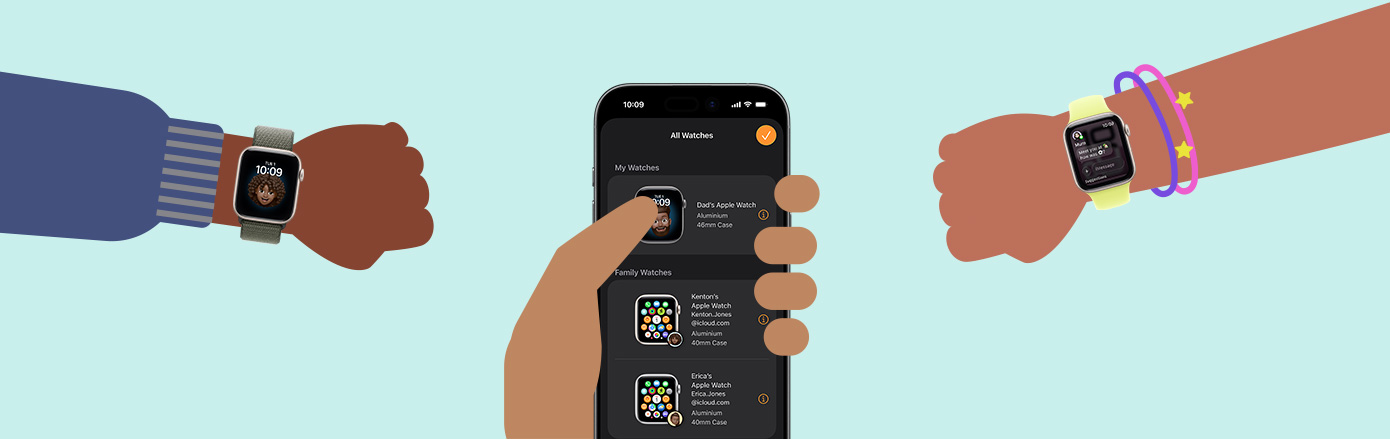
Your iPhone manages their Apple Watch.
Apple Watch For Your Kids
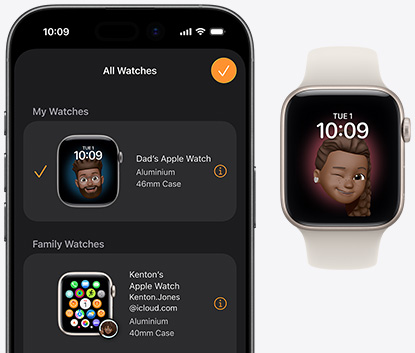
Use your iPhone to pair a watch for each of your kids so they can enjoy the convenience and benefits of Apple Watch even if they don’t have their own iPhone.2 With any GPS + Cellular Apple Watch model, your child gets their own phone number and Apple Account.1 You can set it up and manage it using the Apple Watch app on your iPhone.
Calls and messages
Talk about an easy way to connect.
Calls and messages
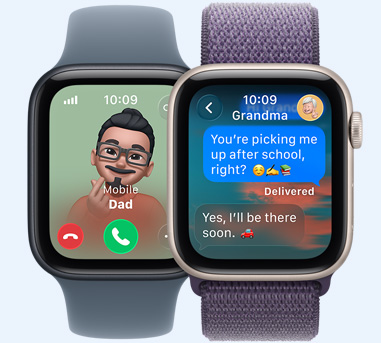
Kids can make and receive calls and texts with the contacts you approve virtually anywhere. They can even place calls and send text messages using just their voice.1 And with 5G capability, they can get faster performance on the go — so it’s even easier to stay in touch.
Schooltime
Turn off notifications. Turn on learning.
Schooltime
With Schooltime, notifications and apps are restricted during school hours. When it’s enabled, a distinctive yellow circle is displayed on the watch face that teachers and parents can easily recognise, signifying that access to apps is restricted and Do Not Disturb is turned on. For convenience, parents can also set the schedule on their iPhone so Apple Watch automatically goes into Schooltime during specific hours.
Find My people
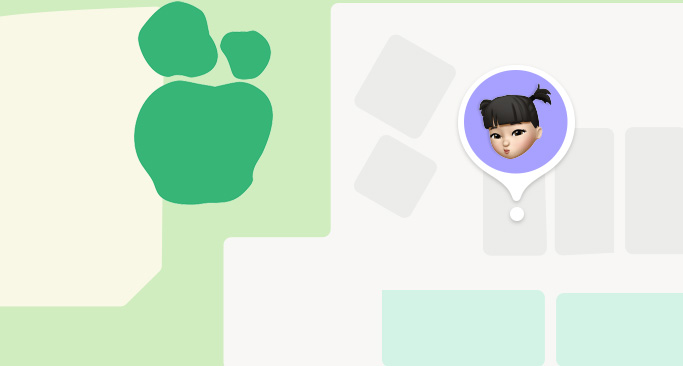
Where’s Char-Maine?
Find My people
See everyone’s location using the Find My app. And receive alerts when they arrive at their destination or get home. Parents can also get alerts when their child leaves a location, like school.
Straps
Adjustable. Colourful. Comfortable.
Straps
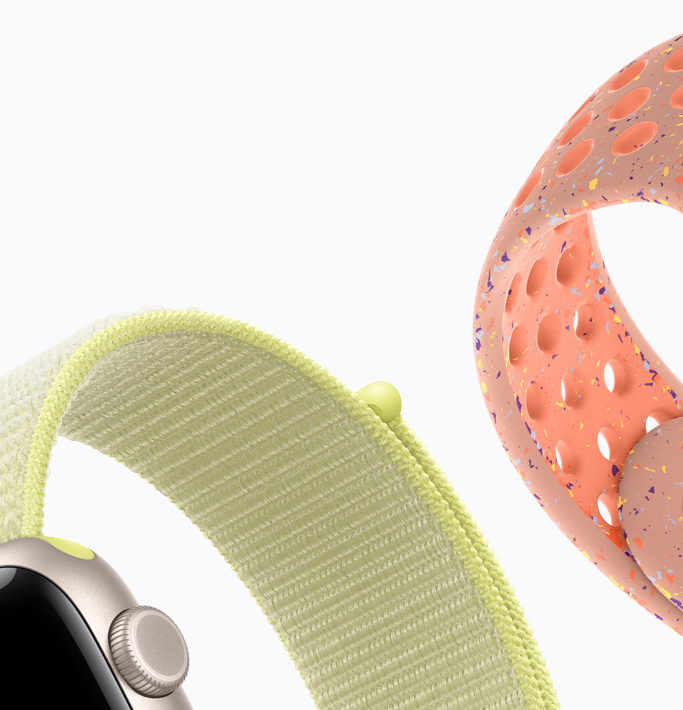
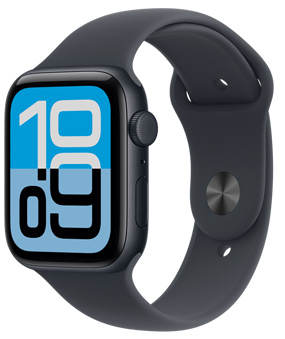
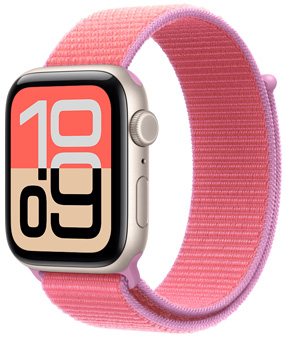
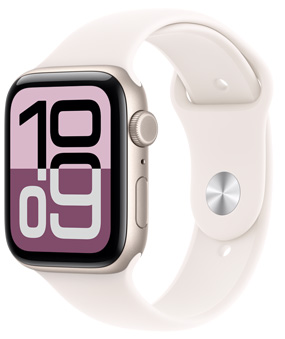
Small wrists? No big deal. The Apple Sport Band, Sport Loop and Solo Loop fit all kinds of sizes. And they’re made with soft, lightweight materials — so they’re as easy to wear as they are fun to look at.
Built to be durable
Oops.Uh-oh.Doh!
Built to be durable
With durable recycled metals in the case and crack-resistant displays made from the toughest glass in the smartwatch industry, Apple Watch is built to last and ready for whatever the day brings.3
Water resistant
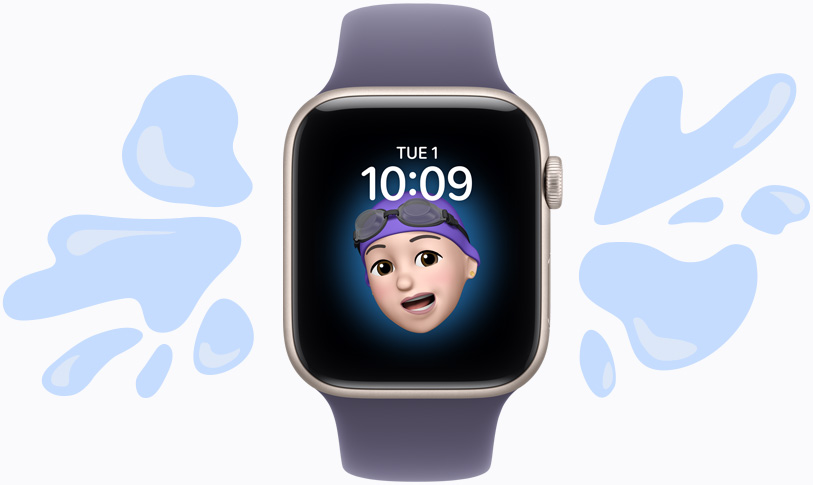
Makes a splash.
Takes a splash.
Water resistant
With a water resistance rating of 50 metres, Apple Watch loves the pool as much as kids do.4
Workout
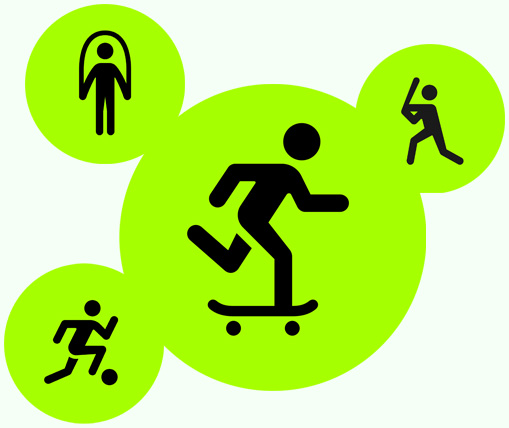
Workouts that work for kids.
Workout
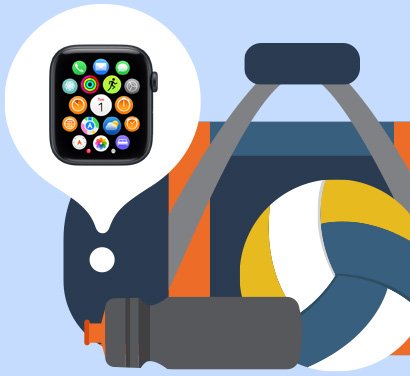
Football. Skipping Rope. Dance. There’s a lot of workouts on their wrist for whatever they have in mind. And workouts like Outdoor Walk, Outdoor Run and Outdoor Cycle have been specifically tuned to give kids appropriate credit.
Activity Awards
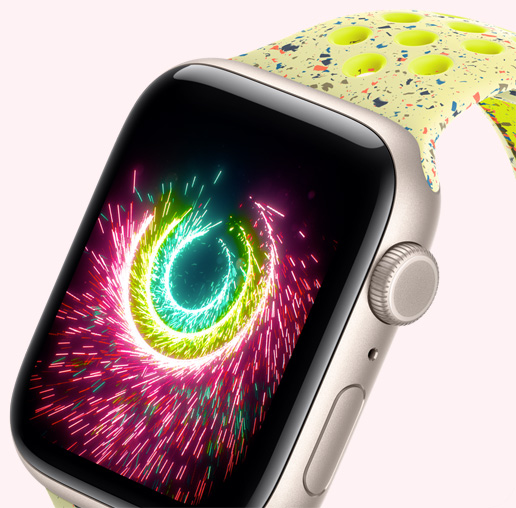
It motivates. And celebrates.
Activity Awards
The Activity rings are tailored to kids, providing personalised suggestions to help them close their rings and displaying colourful animations when they do. They can also share their progress with friends and family for a little healthy competition.
Emergency SOS
Calls for help with the press of a button.
Emergency SOS
Rest easy knowing that with Emergency SOS, your child can quickly connect to emergency services.5
Apple Music
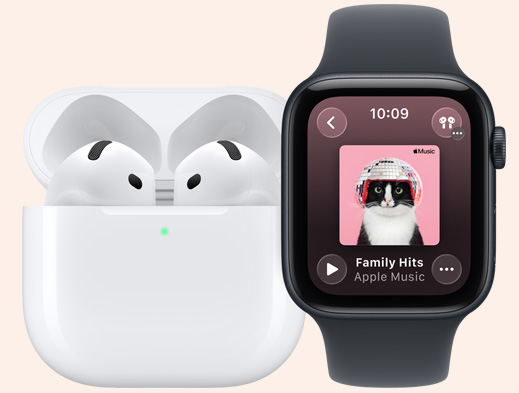
Pack their tunes to go.
Apple Music
Music, podcasts and audiobooks can easily be synced to their watch. And with Apple Music, there are over 100 million songs to choose from.6 So there’s no shortage of tracks to mix it up.
App Store
A wristful of fun and education.
App Store
With access to thousands of apps from the App Store, Apple Watch is the perfect personal device for learning and playing. From dictionaries to dominoes, apps are available with your approval using Ask to Buy. And Siri offers a helpful, safe way for kids to get their questions answered whenever they have them.
Find My device
Lost? Found!
Find My device
Kids take their watches everywhere, which means they could be anywhere. Get help locating a misplaced device in the Find My app, which lets you track their watch at a glance, directly on your iPhone or iPad. You can also play a sound to pinpoint its location.
Watch faces
From fun to funny.
Watch faces
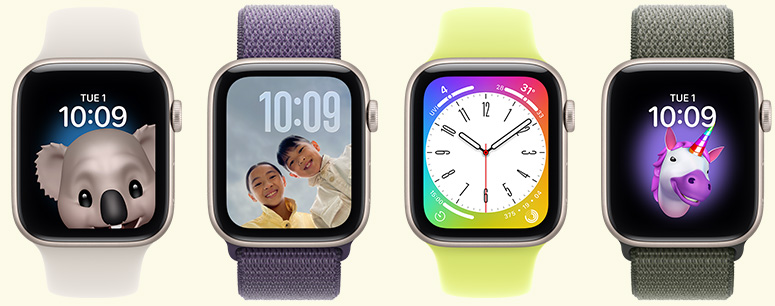
Kids can match their moods and personalities with lots of watch faces to choose from. They can even customise it with complications tailored to whatever they’re into.
Apple Watch For Your Kids is a software feature that lets you use your iPhone to set up an Apple Watch (GPS + Cellular) for a child or family member. That means kids who don’t have their own iPhone can easily stay in touch using Apple Watch. Using the Watch and Settings apps on your iPhone, you can manage settings for their Apple Watch and choose approved contacts. And you can see their location using the Find My app.
To get started with Apple Watch For Your Kids, you’ll need an Apple Watch with GPS + Cellular and an Apple Account, which will be used to set up your child or family member’s Apple Watch. You’ll also need an iPhone for the initial setup and to manage settings on their Apple Watch. Your child does not need their own iPhone — that’s the whole point. Setting up an Apple Watch for a family member will also create a Family Sharing group if you don’t already have one. Check with your carrier about adding a mobile service plan.
We recommend Apple Watch SE 3 with GPS + Cellular, but other Apple Watch models (Series 4 and later) with mobile capability will also work.
Yes. Having a mobile service plan is required to connect your kid’s Apple Watch to a mobile network so your child can keep in touch even without your iPhone nearby. The watch will have its own phone number and account. Check with your carrier to see if your current iPhone plan is eligible for Apple Watch mobile service. If you have an enterprise or corporate mobile service plan, check with your company or carrier to see if it supports this feature.
You can manage settings on your child or family member’s Apple Watch using the Watch app and Settings on your iPhone. You can also control exactly who can contact your child by approving specific contacts for calls and messages and blocking all others, so your child can only be reached by people you trust. Schedule Schooltime, approve contacts for calls and texts, set limits on purchases and more. And with the Find My app, you can view your child or family member’s location, set Location Notifications and locate a lost device.
Yes. Using the Find My app on your iPhone, you can set up Location Notifications that alert you when your child arrives at or leaves a specific location, like school, home, football practice or a friend’s house. You can manage these alerts directly from your iPhone.
Schooltime is a setting that restricts notifications and disables the use of all apps on your child’s Apple Watch. You can adjust the schedule for Schooltime in the Watch app on your iPhone. When Schooltime is active, the watch face has a yellow circle indicating that access to apps is restricted and Do Not Disturb is turned on. Even when Schooltime is active, your child can make Emergency SOS calls and call or text their designated emergency contacts.
Apple Watch For Your Kids allows kids to benefit from many communication, safety and wellness features, including making calls, sending texts, sharing locations, using Emergency SOS, using Siri, tracking Activity goals, using Apple Pay to spend their Apple Cash and much more. Some features, such as Medications, Sleep and ECG, require an iPhone and are not available for kids without an iPhone.
Learn more about setting up Apple Watch for a family member.
Instead of sharing an account with your child, which can give them unwanted access to your personal data, create an Apple Account for them. You can easily set age‑based parental controls, and they can use Family Sharing, Messages, the App Store and other Apple services.
Yes. You can set up and manage Apple Watch For Your Kids for multiple children from a single iPhone. Each child will have their own Apple Account and their own approved contacts, Schooltime schedule and settings — all managed separately through the Watch app on your iPhone. Family Sharing supports up to six family members, so you can keep the whole family connected from one place.
Currently, one parent’s iPhone is used as the primary manager of a child’s Apple Watch. However, more than one parent can view the child’s location through the Find My app if they are part of the same Family Sharing group. Full management controls are tied to the account that completed the initial setup.
Family Sharing makes it easy for you and up to five other family members to share access to music, apps and other subscription purchases, all without sharing an Apple Account. You can set up an Apple Account for your kids, set permissions remotely with Screen Time and approve spending and downloads from your device with Ask to Buy.
The Sport Band, Sport Loop and Solo Loop are easy to wear and great for kids with wrists of all sizes. The rubber Sport Band comes in a range of sizes with a pin‑and‑tuck closure. The Sport Loop is soft, breathable and easy to adjust. And the Solo Loop comes in custom sizes and offers a stretchable design without clasps, making it easy to slip on and off.
As long as your child’s Apple Watch has an active mobile service plan, it works anywhere with mobile coverage — at school, at a friend’s house or while travelling domestically. International use depends on your carrier’s roaming plan. Over Wi‑Fi, the watch can also stay connected when mobile service isn’t available.